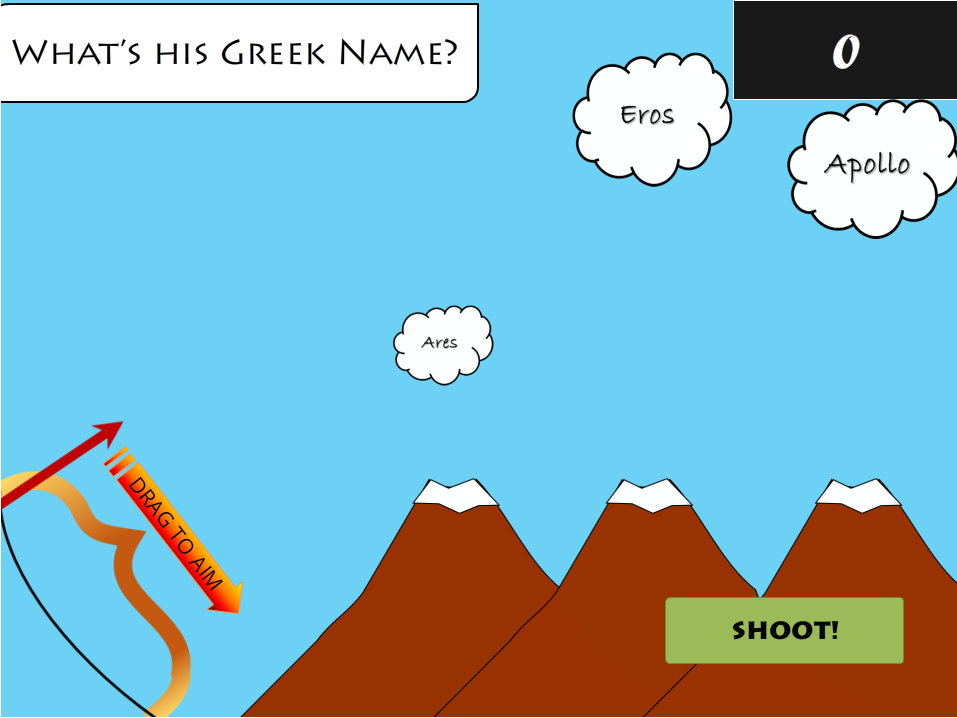
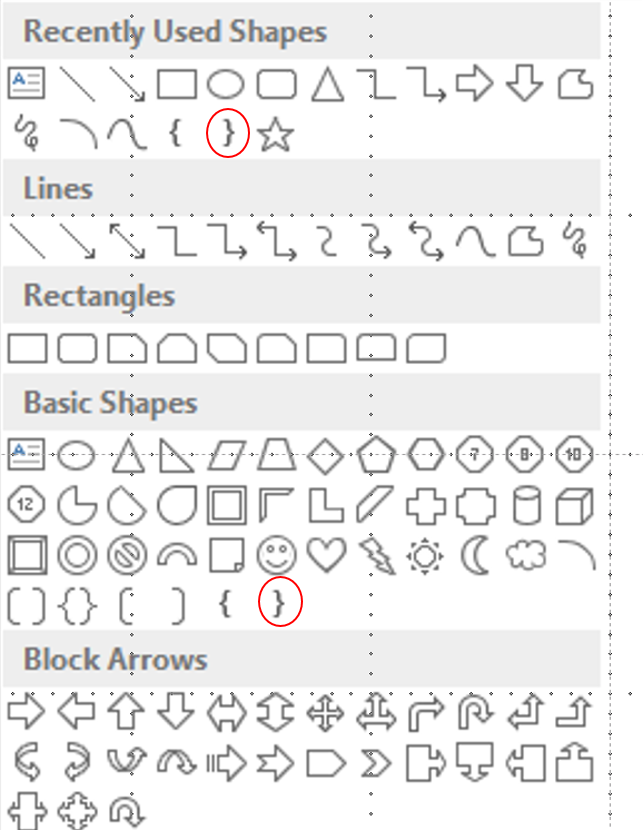
The first step to build your bow and arrow is to draw them in PowerPoint. You would start by opening PowerPoint and inserting the "Right Brace" shape on the right.
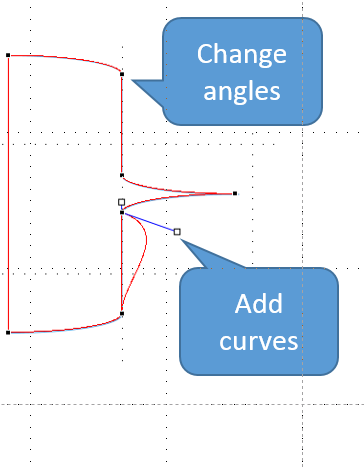
The shape's points must be edited so you can make it resemble the curves of a bow. This is not too difficult, just right-click the shape>edit points. Dragging the black dots changes the form of the shape's angles and the white dots create curves.
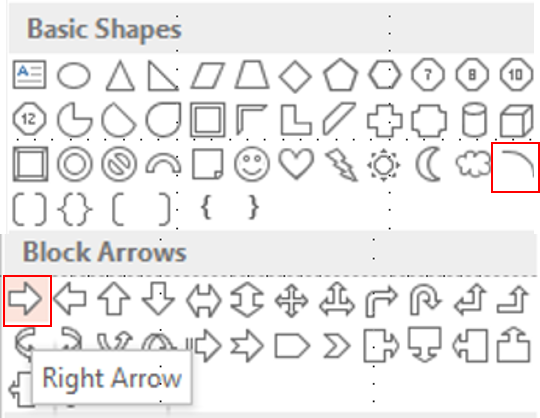
The bow string can just is just a curved line shape aptly named "Arc" in PowerPoint. The arrows are created by... really? Come on, you know this one!
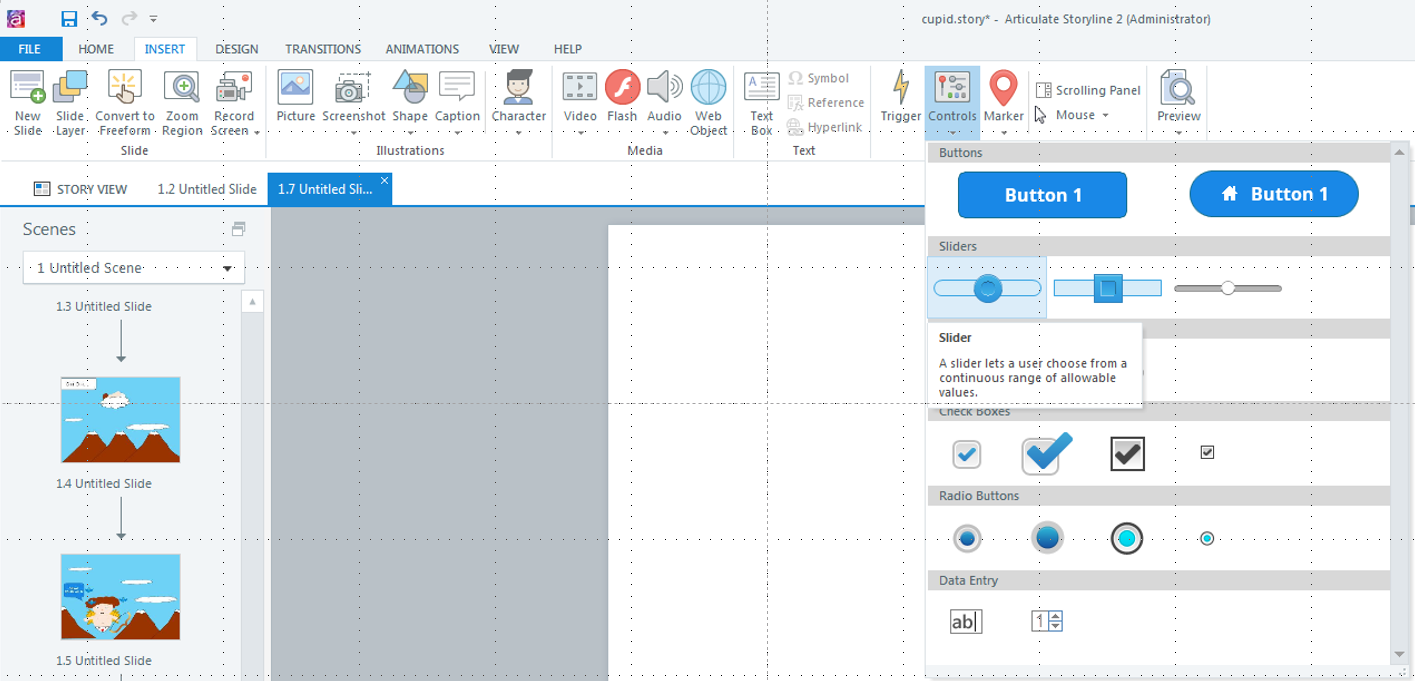
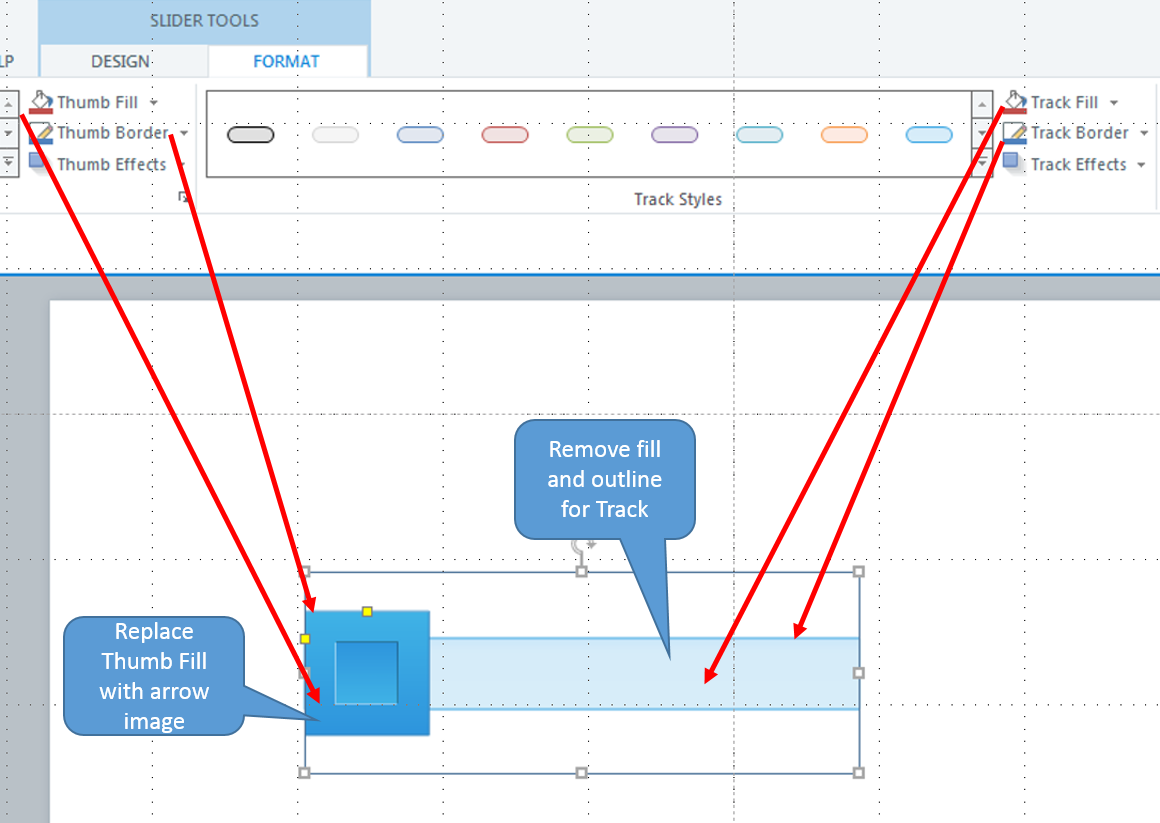
The Sample
Below is the finished sample where you can interact with the slider in the module.